DOWNLOAD CENTER
Tools and product guidance.
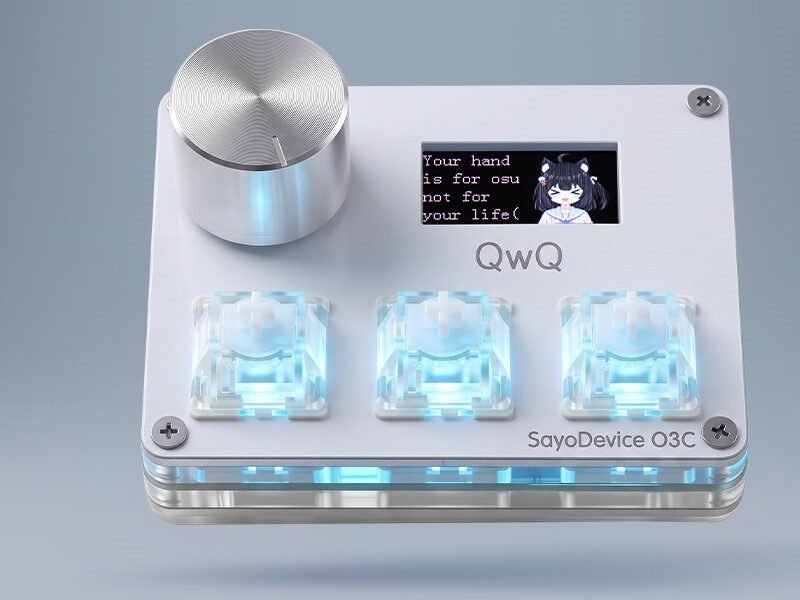
Open the web driver or find the right support path for a SayoDevice product.
WEB CONFIGURATOR
Configure supported devices in the browser.
Connect the device by USB, open a supported Chromium-based desktop browser and allow device access when prompted.
PRODUCT RESOURCES
Find your product.
Before updating firmwareConfirm the exact product model and follow only instructions supplied for that model. Do not disconnect the device during an update.