

Key mapping
Assign keyboard commands, media controls, mouse actions and supported macro sequences.
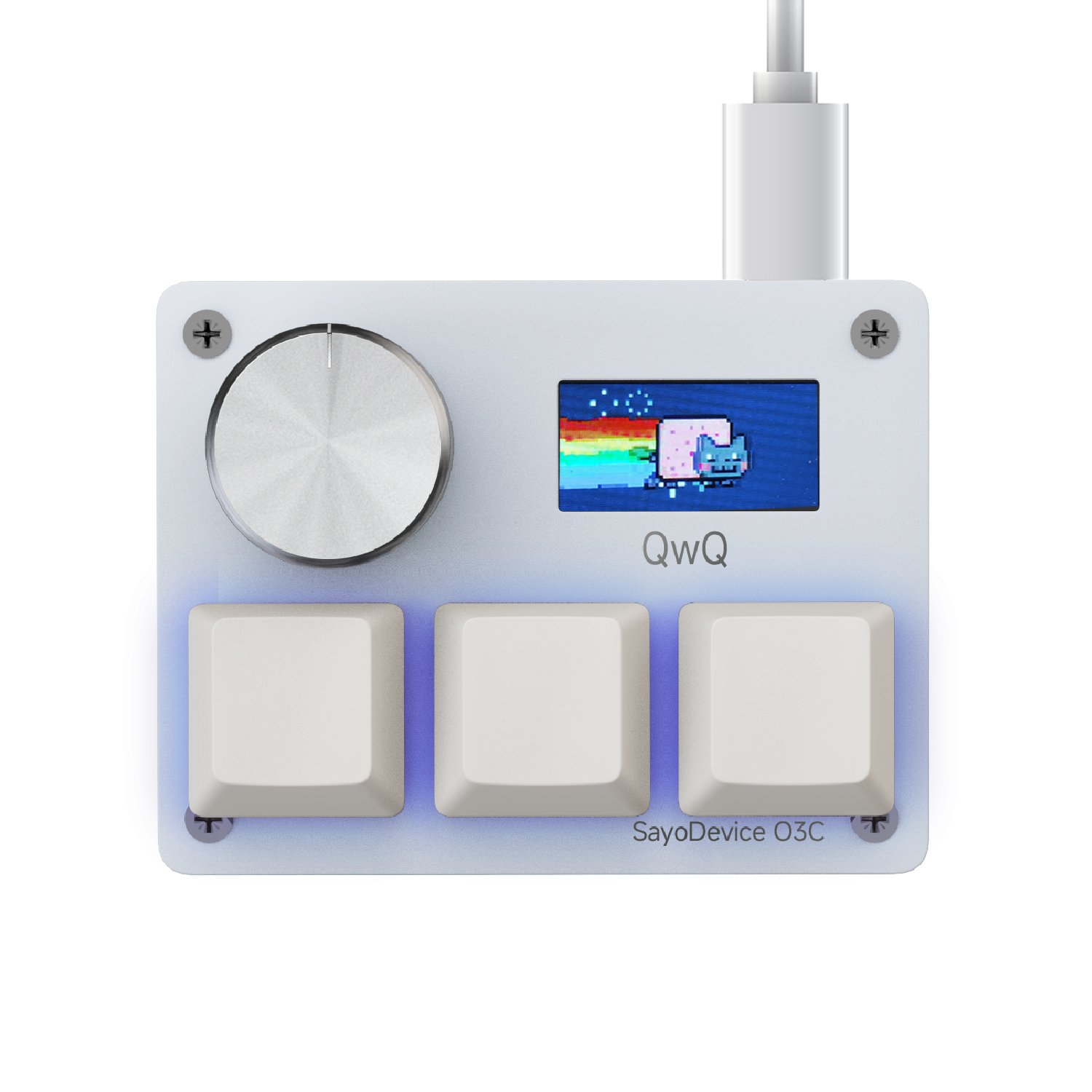
SAYODEVICE SOFTWARE
CONFIGURE / SAVE / MOVE
CAPABILITIES VARY BY DEVICE
Assign keyboard commands, media controls, mouse actions and supported macro sequences.
Adjust actuation and release behavior on compatible Hall Effect products.
Build different layouts for games, editing, meetings and everyday shortcuts.
Manage supported lighting, status feedback and display behavior from one place.
BEFORE YOU CONNECT
Use the device cable and close other applications that may be using the hardware.
Allow the browser to connect when it asks for device permission.
Apply the profile, test the controls and make small adjustments before relying on it in a game or workflow.
DESKTOP BROWSER SUPPORT
Available controls depend on the connected product and current firmware.
NEED HELP CONNECTING?