 PRODUCT SUPPORT
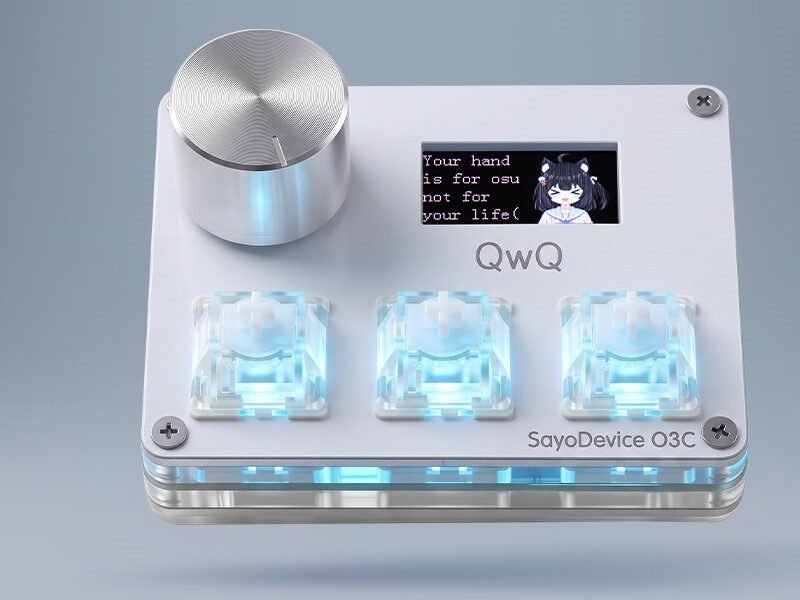
O3C Rapid Trigger Keypad
Product details, compatibility and current setup information.
Open product →SAYODEVICE SUPPORT
Web driver, current guidance and firmware help.
View order status from your account dashboard.
Review eligibility and start a return request.
Send product, order or technical details to the team.
FIND HELP BY PRODUCT
QUICK ANSWERS
Sign in to My Account and open Orders. Tracking appears after the carrier information has been added to the order.
Include the product name, order number if available, operating system, browser, firmware version and a clear description of what happens.
Device connection requires a supported Chromium-based desktop browser. Available settings vary by product and firmware.
Read the Returns policy, then contact support with your order number and reason for return before sending the item.
STILL NEED HELP?