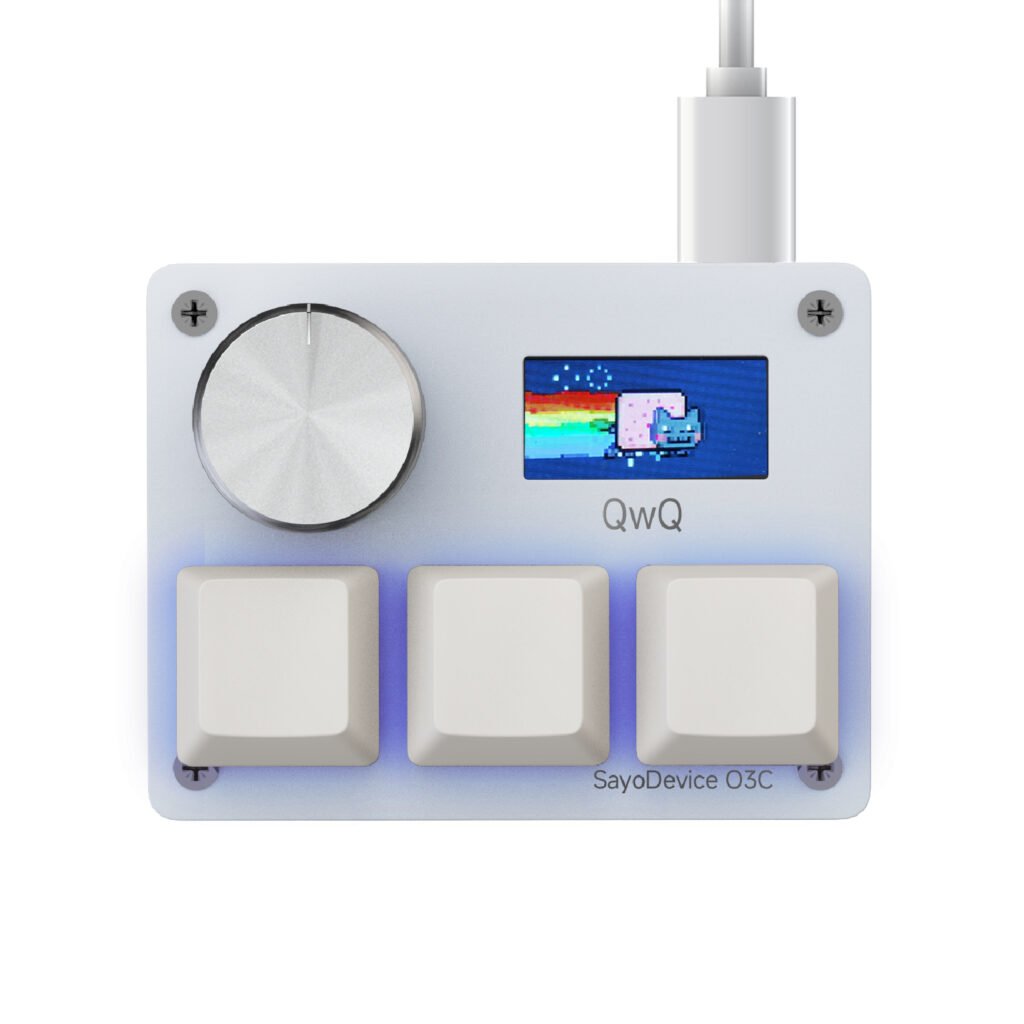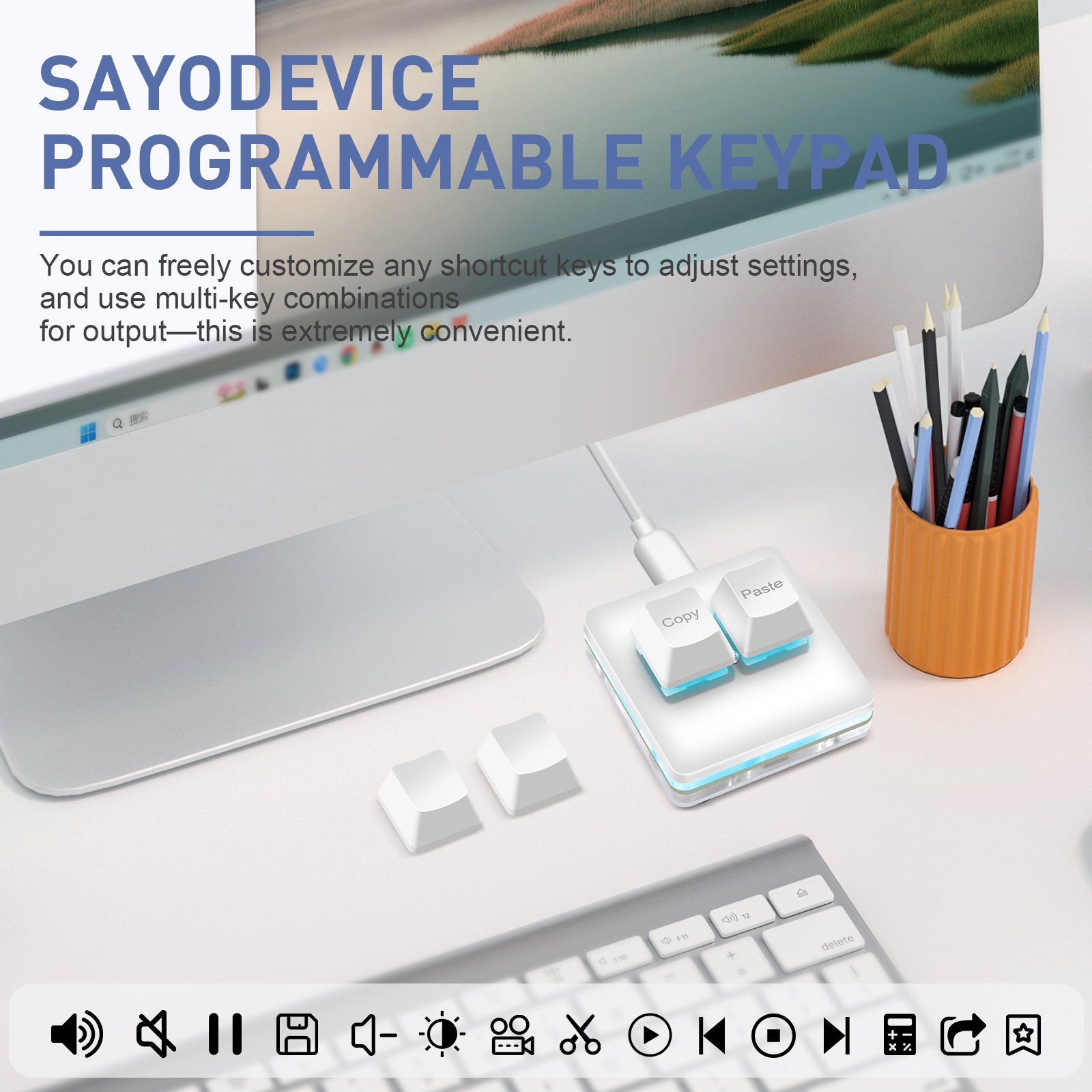
A macro pad is most useful when it removes a repeated movement, not when it stores the largest possible number of commands. Start with the actions that interrupt your attention: reaching across the keyboard, opening the same menu or switching to the mouse for one small control.
Look for repetition, not novelty
For one working day, notice commands used dozens of times. Copy and paste are obvious candidates, but editing work often has better choices: undo, redo, mute, timeline split, brush size, push-to-talk or a command that normally requires an awkward key combination.
Keep the physical meaning stable
A key becomes easier to remember when its role remains consistent. One key can mean confirm, advance or play across several profiles. Another can mean cancel, reverse or mute. Stable physical meaning reduces the mental cost of switching profiles.
Separate risky actions
Do not place destructive commands beside harmless ones without a safeguard. Deleting files, closing a project without saving or running a long automated sequence should require a deliberate combination or remain on the normal keyboard. A shortcut that saves one second is not useful if it creates avoidable recovery work.
Build one profile at a time
Create a simple profile for the application used most, test it for several days and change only the assignments that remain hard to remember. Add a second profile after the first one has become muscle memory. Label the profile in the browser tool or keep a short reference nearby during the first week.
Check the fallback behavior
Confirm what happens if the browser tool is closed, the computer changes or an application intercepts the shortcut. On-device profiles are useful because the hardware can retain supported assignments, but the destination application still decides how a keyboard command is interpreted.
The right two commands can be more valuable than twenty rarely used ones. Start with frequency and physical effort, then let the layout stay simple.