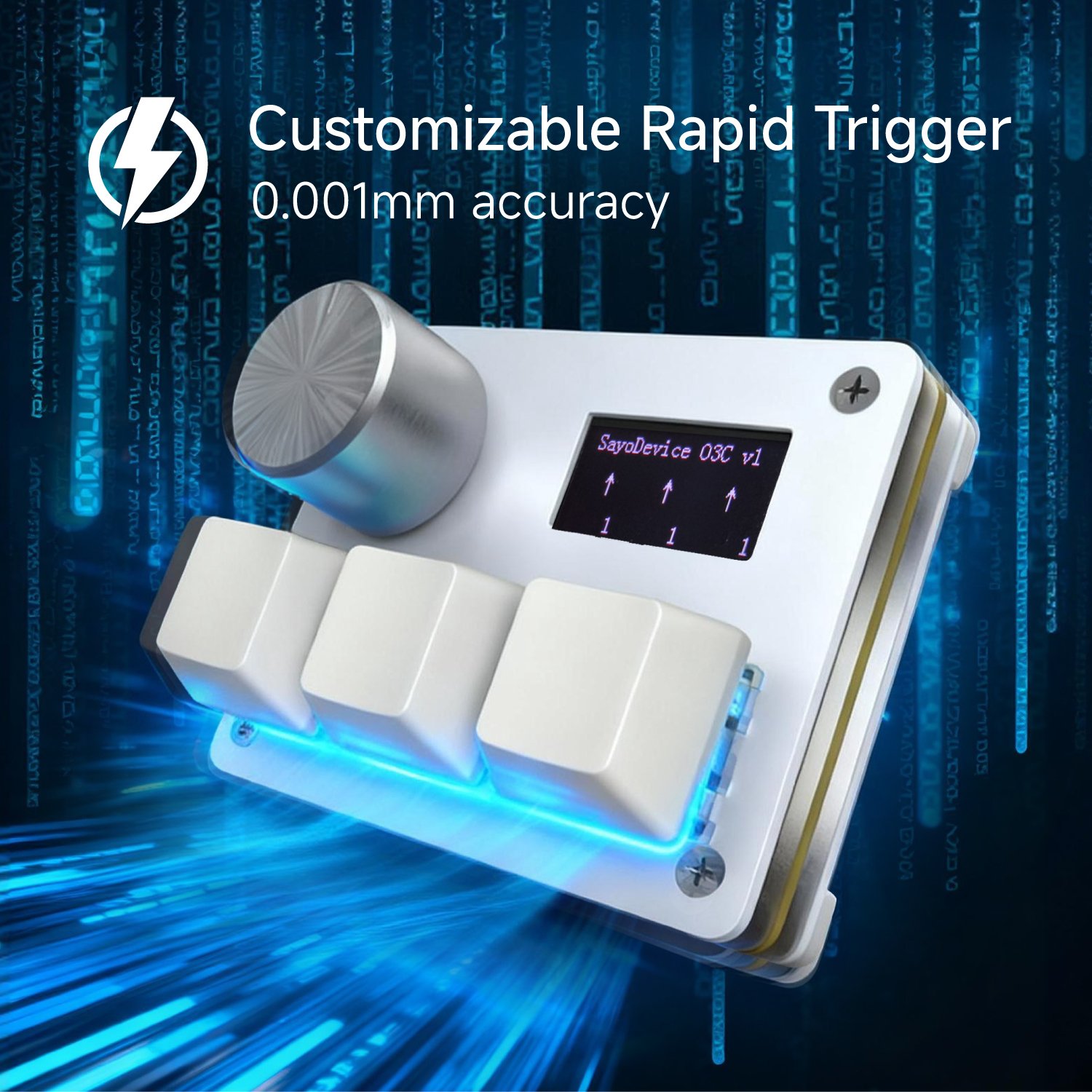
Rapid Trigger is a way of deciding when a compatible magnetic key becomes active and when it resets. A conventional mechanical switch normally has a fixed actuation point and a fixed reset behavior. A Hall Effect switch can report continuous movement, allowing supported firmware to react when the key changes direction instead of waiting for it to cross one fixed reset point.
Why direction matters
Fast repeated input is often limited by how far a key must travel before it can activate again. With Rapid Trigger enabled, the key can reset as it starts moving upward and become ready for the next press sooner. The useful result is not a larger number on a specification sheet. It is the ability to shape the response around the amount your fingers actually move.
Where it helps
Rapid Trigger can be useful in rhythm games, movement-heavy games and any workflow that benefits from quick repeated presses. It does not automatically improve every task. Typing and deliberate shortcuts may feel better with a calmer fixed actuation point. Treat it as a profile choice rather than a setting that must always be maximized.
Start with a stable baseline
Begin with moderate actuation and release values. Test one key at a time, then reduce travel in small steps. If a key activates while your finger is resting or produces unintended repeats, the setting is too sensitive for that movement. Save separate profiles for different games instead of forcing one extreme profile to cover every use.
Hardware and software both matter
Rapid Trigger requires compatible magnetic switches, sensing hardware and firmware. A mechanical switch cannot gain continuous travel sensing through software alone. Confirm that the exact product and switch are supported before changing firmware or replacing parts.
For SayoDevice products, use the product specifications and current browser tool to confirm available controls. When a setting feels unpredictable, return to a moderate baseline before troubleshooting cables, polling or the application itself.